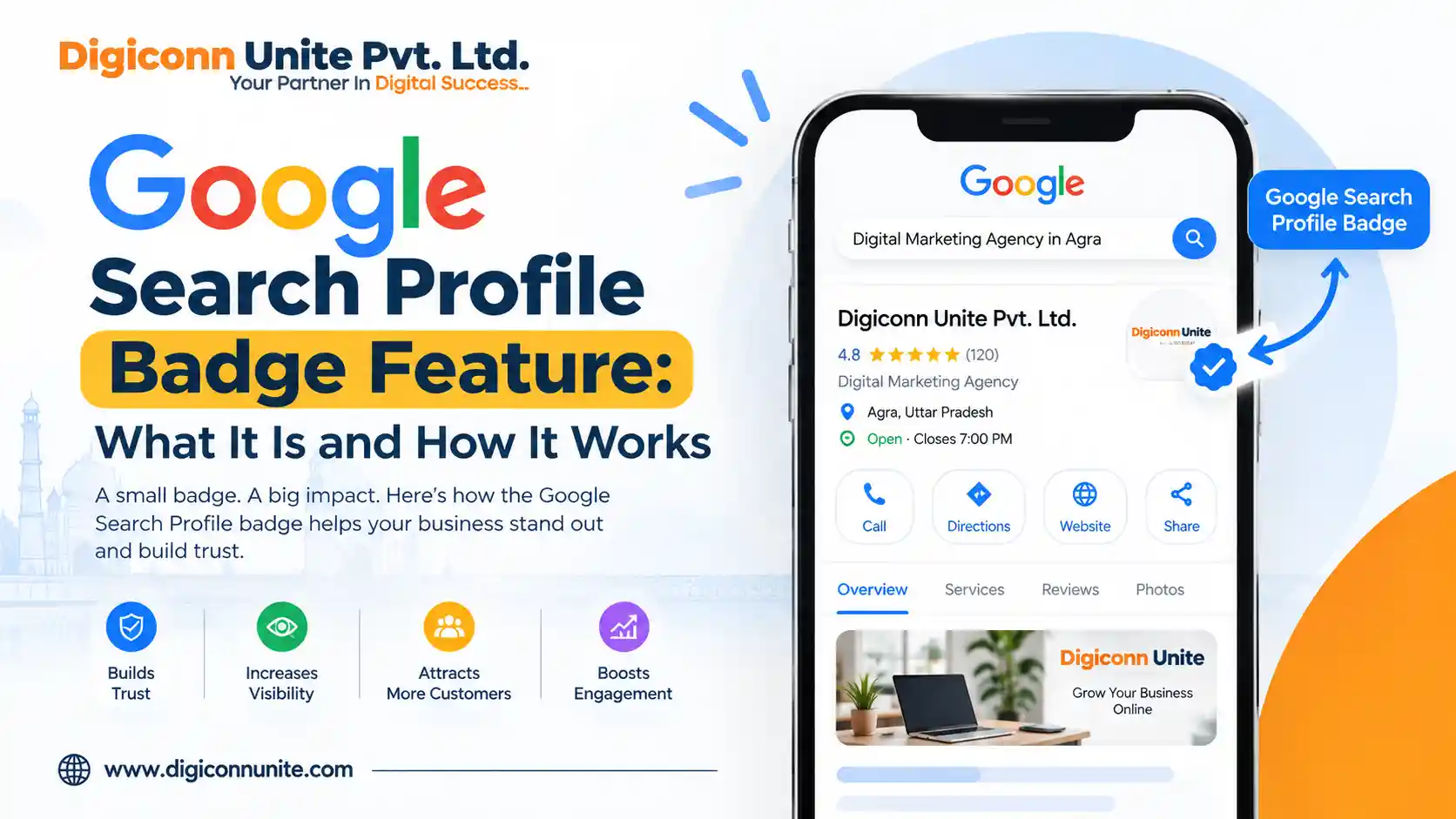
Google has introduced a new Search Profile Badge feature that allows website owners, publishers and creators with a Google Search Profile to direct visitors from their own website to their Search Profile. Google published official documentation for the feature on 16 September 2026.
For businesses and publishers that want to strengthen their presence across Google Search, Discover and social platforms, this is a useful development to understand. A digital marketing company can also use this type of update when planning a broader search visibility and content strategy.
Key Takeaways
- Google Search Profile Badge is a clickable badge that can be added to a website.
- It directs visitors to the website owner's Google Search Profile.
- A Search Profile can bring together content from a website and supported social platforms.
- Visitors can follow a Search Profile.
- Google says followed content linked to the profile is more likely to appear to that audience in Google Discover.
- Website owners should use Google's official badge assets and follow its design guidelines.
- The badge is different from Google's Preferred Sources feature.
What Is the Google Search Profile Badge Feature?
The Google Search Profile Badge is a website badge that links directly to a creator's or publisher's Search Profile.
Think of it as a way to connect your website visitors with your wider Google Search presence.
Google's Search Profile can bring together content from different places, including a website and social platforms such as Instagram, TikTok, YouTube, X and Facebook. Users who follow the Search Profile can receive content connected to that profile in Google Discover.
The badge therefore provides a simple path:
Website → Search Profile → Follow → Content discovery
How Does a Google Search Profile Work?
A Search Profile provides a central location for a creator's or publisher's content across the web.
For example, a publisher may have:
- Articles on its website
- YouTube videos
- Instagram content
- Facebook posts
- TikTok videos
- X posts
Instead of making users search for each platform separately, a Search Profile can bring these content sources together.
Google's documentation specifically describes the profile as a place that brings content from across the web and social platforms together.
You May Visit Also: ChatGPT SEO: How to Optimise Your Website for AI Search
What Does the New Search Profile Badge Do?
The badge gives your website visitors a direct way to find your Search Profile.
After claiming a Search Profile, Google provides a profile URL using this format:
https://profile.google.com/@handle
You can then place the official badge on your website so visitors can access that profile.
This can be particularly useful for publishers and creators who already have an established presence across multiple platforms.
How Do You Add the Google Search Profile Badge to a Website?
Google's current process is straightforward.
Step 1: Claim Your Search Profile
First, you need an eligible and claimed Google Search Profile.
Step 2: Get Your Profile URL
Your Search Profile URL follows Google's profile URL format.
Step 3: Download the Official Badge Assets
Google provides official Search Profile badge assets for website owners.
Step 4: Add the Badge to Your Website
You can place the badge where your audience can easily find it, such as a website footer, author section or another suitable location.
Google also provides a text-link option for places such as article bylines, newsletters and biography links.
What Are Google's Search Profile Badge Design Guidelines?
Google has provided specific recommendations for using the badge.
The clickable area should be at least 48 × 48 dp on Android and 44 × 44 px on iOS and web to maintain accessible touch targets.
Google also recommends preserving the official branding. Website owners should not:
- Stretch the Google icon
- Distort the badge
- Rotate the icon
- Change its colours
- Mix incompatible badge styles
If both a Search Profile Badge and Preferred Sources Badge are displayed, Google recommends giving the Search Profile button higher emphasis and using its label for clarity.
Is the Search Profile Badge a Google Ranking Factor?
There is currently no official Google documentation saying that adding a Search Profile Badge directly improves organic rankings.
The purpose described by Google is to help audiences find a Search Profile from a website. The Search Profile itself can help users discover a creator's or publisher's content across Google and connected platforms.
Therefore, businesses should not treat the badge as a shortcut to higher rankings.
It is better viewed as part of a broader search visibility and audience-building strategy.
Can the Badge Help With Google Discover?
Potentially, but it is important to understand what Google actually says.
Google states that when readers follow a Search Profile, content linked through that profile is more likely to appear for that audience on Google Discover.
That does not mean adding a badge guarantees Discover traffic.
The badge simply makes it easier for website visitors to find and follow the Search Profile.
What Is the Difference Between Search Profile Badge and Preferred Sources?
These features serve different purposes.
A Search Profile Badge helps visitors find and follow a creator's or publisher's Search Profile.
Preferred Sources, on the other hand, allows users to identify sources they prefer to see in Google Search. Google has also expanded Preferred Sources into AI Overviews and AI Mode.
They should therefore not be treated as the same feature.
Why Does This Update Matter for Digital Marketing?
Search behaviour is changing. Users increasingly interact with search results, Discover, social content and AI-powered search experiences.
For publishers and businesses, this means having a strong digital presence is not limited to ranking individual web pages.
A broader strategy can include:
- Helpful website content
- Search optimisation
- Strong author or brand identity
- Social media content
- Video content
- Google Discover visibility
- Search Profile development
- Consistent brand information
The new badge provides another connection between a website and Google's Search Profile ecosystem.
Should Businesses Add the Badge to Their Website?
If a business has an eligible Search Profile and wants to make that profile easier for visitors to discover, adding the official badge can be worth considering.
However, it should not replace important SEO activities such as:
- Creating useful content
- Improving technical SEO
- Maintaining accurate business information
- Building a strong website
- Optimising important service pages
- Understanding search intent
- Improving user experience
The badge is an additional feature, not a replacement for SEO.
How Can Businesses Use This Feature Strategically?
A business can place the badge in a relevant area of its website where visitors already look for information about the brand or author.
Possible locations include:
- Author profile sections
- About pages
- Website footer
- Publisher pages
- Content creator pages
- Newsletter sections
- Relevant biography areas
The placement should feel natural rather than distracting users from the main content.
Google Search Profile Badge: Final Answer
The Google Search Profile Badge Feature is a new Google feature that allows eligible website owners, publishers and creators to link their website visitors directly to their Google Search Profile.
The profile can bring together content from websites and social platforms, while followers may see linked content more often in their Google Discover experience. Google published its official documentation for adding the badge on 16 September 2026.
For SEO and digital marketing, the important point is simple: the badge should be treated as a way to connect your website audience with your Google Search Profile, not as a guaranteed ranking technique.
Businesses should continue focusing on useful content, technical SEO, user experience and a consistent online presence while using new Google features where they genuinely benefit their audience.
Frequently Asked Questions
What is a Google Search Profile Badge?
It is a clickable badge that website owners can add to their website to help visitors find their Google Search Profile.
Does the Google Search Profile Badge improve rankings?
Google's official documentation does not state that adding the badge directly improves organic rankings. Its stated purpose is to help audiences find a Search Profile.
Can I add the badge to my website?
If you have claimed a Search Profile and are eligible to use the feature, Google provides official badge assets and implementation guidance.
Can the badge help with Google Discover?
Google says content linked to a Search Profile is more likely to appear for people who follow that profile in Google Discover. This is not a guarantee of Discover traffic.
Is Search Profile Badge the same as Preferred Sources?
No. The Search Profile Badge helps people find a Search Profile, while Preferred Sources is a separate Search feature that lets users identify sources they prefer to see.
Our Social Links:
Facbook, X, Instagram, Linkedin