


Reverse Engineer Anything Tool: Features, Uses and How It Works
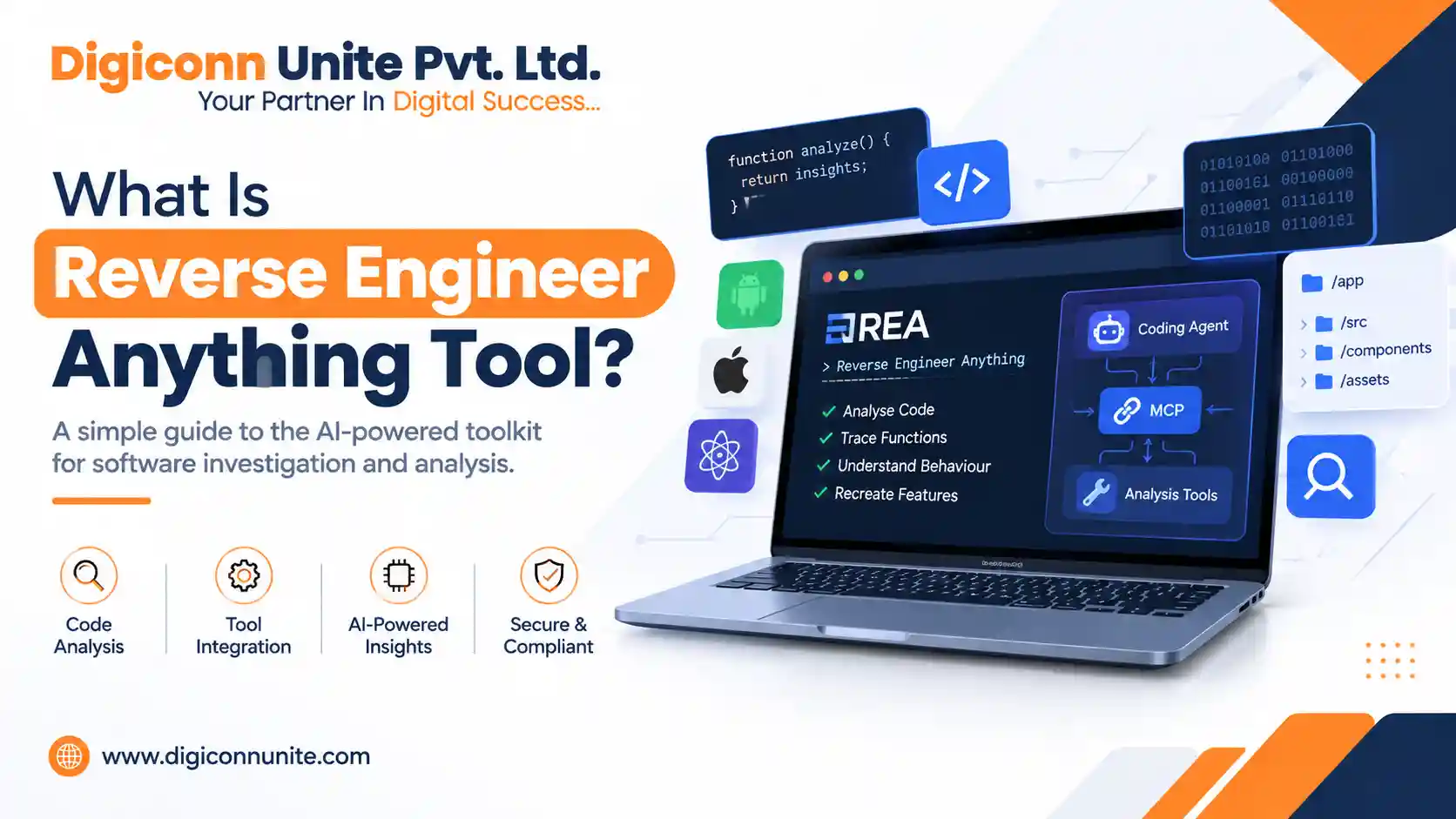
The Reverse Engineer Anything tool is an AI-assisted software investigation toolkit that helps developers understand how applications work, investigate code, and recreate specific features using technical evidence. It connects coding agents with software analysis tools through a command-line interface (CLI) and Model Context Protocol (MCP).
Instead of manually switching between different tools, developers can ask an AI coding agent to investigate a particular feature, trace its implementation, explain its behaviour, and help build a similar solution. The official REA project supports several types of software analysis, including native binaries, JavaScript applications, and Electron applications, subject to the required tools and platform support.
What Is the Reverse Engineer Anything Tool?
Reverse Engineer Anything, commonly called REA, is an open-source toolkit designed to make software reverse engineering more accessible through AI coding agents.
Traditional reverse engineering often requires developers to inspect program files, analyse code, search for strings and functions, and trace how different components communicate. REA helps organise these activities into a more consistent workflow.
For example, suppose you want to understand how a search feature works in a desktop application. You can ask a connected coding agent to investigate the feature, identify relevant code, explain the logic, and show the evidence supporting its findings.
The toolkit is not a standalone AI model, and it does not automatically recover every application's original source code. Its results depend on the target software, available analysis tools, and the evidence that can be collected.
You May Visit Also: Why You Need Enterprise Android App Development
How Does Reverse Engineer Anything Work?
REA follows a practical investigation process that moves from identifying software to understanding its behaviour and implementing a suitable solution.
1. Inspect the application
The process begins by examining the target application or supported software files. Depending on the target, this may involve application metadata, JavaScript files, native binaries, strings, symbols, or function information.
2. Trace the relevant code
The analysis tools help locate functions, references, dependencies, and execution paths that may explain the feature being investigated.
3. Understand the behaviour
A connected AI coding agent uses the available findings to explain how the relevant components work together. Reliable analysis distinguishes directly observed evidence from assumptions or static inferences.
4. Recreate or improve the feature
Once the behaviour is understood, the agent can help developers build a similar feature for their own application, adapt the implementation to a different technology stack, or prepare tests and documentation.
This process helps developers move from a vague question about software behaviour to a focused investigation supported by technical evidence.
Key Features of the Reverse Engineer Anything Tool
REA combines multiple software investigation capabilities in one workflow. The exact features available depend on the target, platform, and configured analysis provider.
AI coding agent integration
REA can connect with supported coding agents through MCP and a guided workflow. This allows developers to investigate software using natural-language instructions while retaining access to underlying technical evidence.
Native binary analysis
With a compatible analysis provider, such as Hopper or Ghidra, supported workflows can inspect native executable files and examine functions, assembly instructions, strings, references, and decompiled pseudocode.
JavaScript and Electron analysis
JavaScript and Electron applications can be investigated to understand their structure, identify entry points, inspect source files, and follow application logic. Some workflows support static analysis without executing the target application.
Code tracing and dependency investigation
Function callers, called functions, references, and call graphs can help developers understand how different parts of a program connect. This is particularly useful when working with unfamiliar or poorly documented software.
Evidence-based findings
A useful reverse engineering workflow should show how conclusions were reached. REA supports structured evidence and repeatable investigation workflows, helping developers check findings instead of relying entirely on an AI-generated explanation.
Local analysis and privacy
The official project describes local analysis as a core design principle. However, developers should still review their coding agent's configuration, connected services, and data-handling policies before working with confidential or proprietary software.
What Can You Use Reverse Engineer Anything For?
The tool can support several legitimate software development and research tasks.
-
Understanding unfamiliar applications: Investigate how a particular feature is implemented.
-
Software maintenance: Explore code when documentation is incomplete or unavailable.
-
Feature recreation: Build an original implementation inspired by a behaviour you have studied.
-
Application migration: Understand existing logic before moving functionality to a new technology stack.
-
Debugging and investigation: Trace suspicious or unexpected behaviour to relevant code.
-
Technical documentation: Record findings about functions, dependencies, and application structure.
-
Software testing: Use discovered behaviour to develop suitable test cases and verification steps.
For example, a developer investigating an export function might trace how the application handles a button click, passes data between components, and writes a file. That information can help the developer implement a comparable export workflow in their own software.
Always obtain appropriate permission before analysing third-party software, and respect applicable licences, intellectual property rights, and security restrictions.
What Technologies and Tools Does REA Work With?
Reverse Engineer Anything brings together several technologies and software analysis concepts.
| Technology or component | Purpose |
|---|---|
| Artificial intelligence coding agents | Interpret investigation requests and help explain findings |
| Model Context Protocol (MCP) | Connect compatible agents to external tools |
| Command-line interface (CLI) | Run analysis and setup commands from a terminal |
| JavaScript and Node.js | Support relevant JavaScript application workflows and the REA runtime |
| Electron | Enable investigation of supported desktop applications built with web technologies |
| Hopper and Ghidra | Provide native binary analysis and decompilation capabilities in supported configurations |
| Assembly and pseudocode | Help developers inspect lower-level program behaviour |
| Call graphs and cross-references | Show relationships between functions and code locations |
Not every component is needed for every investigation. Requirements vary by operating system, application type, and analysis provider.
How Is Reverse Engineer Anything Different from Traditional Reverse Engineering?
Traditional reverse engineering often requires developers to select individual tools, learn their interfaces, gather findings, and connect the evidence manually.
REA aims to coordinate supported analysis tasks through an AI coding agent and a repeatable workflow. This can make investigations easier to organise, particularly when a developer needs to understand a specific feature rather than inspect an entire application.
However, AI assistance does not remove the need for technical judgement. Developers should verify important conclusions against the underlying code or observed behaviour, especially when dealing with security-sensitive functionality or complex software.
What Are the Limitations of Reverse Engineer Anything?
Understanding the limitations is just as important as knowing the features.
It cannot guarantee original source-code recovery. Decompiled pseudocode and reconstructed logic are not necessarily identical to the original source code.
Some features require additional software. Native binary analysis may depend on a supported provider, compatible operating system, and suitable configuration.
Results depend on available evidence. Obfuscated code, missing symbols, unavailable dependencies, or inaccessible runtime behaviour can make an investigation more difficult.
AI explanations need verification. An agent may misunderstand a function or draw an unsupported conclusion. Review the evidence and test important findings.
It is not a universal one-click cloning tool. Rebuilding a feature requires implementation work, testing, and adaptation to the requirements of your own application.
How Do You Get Started with Reverse Engineer Anything?
The official project provides setup instructions and command-line workflows for supported environments.
A typical starting process is:
-
Review the official REA documentation and supported platform requirements.
-
Install a compatible Node.js version and npm if required.
-
Run the documented setup command and review the proposed changes before approving them.
-
Configure the supported coding agent and any necessary analysis provider.
-
Start with a specific question about an application you are authorised to inspect.
-
Ask the agent to identify the evidence, explain any uncertainties, and suggest a verification step.
Digiconn Unite: Building Practical Digital Solutions
Understanding how software works can help businesses make better decisions when planning new digital products. Digiconn Unite supports businesses with website development, mobile app development, custom software solutions, and digital marketing services.
Whether you are planning a business application, improving an existing website, or exploring a new software idea, the first step is to define the problem, understand your users, and choose a suitable technical approach.
Visit Digiconn Unite to explore our digital solutions and discuss your project requirements.
Conclusion
The Reverse Engineer Anything tool helps developers investigate supported software, trace code, understand application behaviour, and use technical evidence to guide new implementations. Its combination of AI coding agents, MCP integration, CLI workflows, and specialised analysis tools can simplify parts of the reverse engineering process.
The best results come from asking focused questions, checking the evidence, respecting software permissions, and testing any recreated functionality before using it in a real project.
Frequently Asked Questions
Is Reverse Engineer Anything a free tool?
The REA project is open source, but the total cost of using it can depend on the analysis provider, coding agent, licences, and other tools you choose. Check the official repository and individual provider terms for current details.
Can Reverse Engineer Anything analyse an application without source code?
It can investigate supported applications without their original source code by examining available binaries, application files, and other technical evidence. The amount of information it can recover depends on the target and configured tools.
Is Reverse Engineer Anything an AI model?
No. REA is a software investigation toolkit that connects coding agents to analysis capabilities. The connected agent interprets requests and helps explain findings.
Can it clone any website or mobile application automatically?
No. It does not guarantee automatic cloning of websites, mobile applications, or desktop software. Its capabilities depend on supported targets and available evidence, and a recreated feature requires development and testing.
Is Reverse Engineer Anything useful for developers?
Yes. It can help developers investigate unfamiliar code, understand application behaviour, trace functions, document software, and build original implementations based on verified findings.
Visit also: Why Are ChatGPT Ads Important for B2B Companies in India
Our Social Links:
Related Topics
Explore more about software development:
