


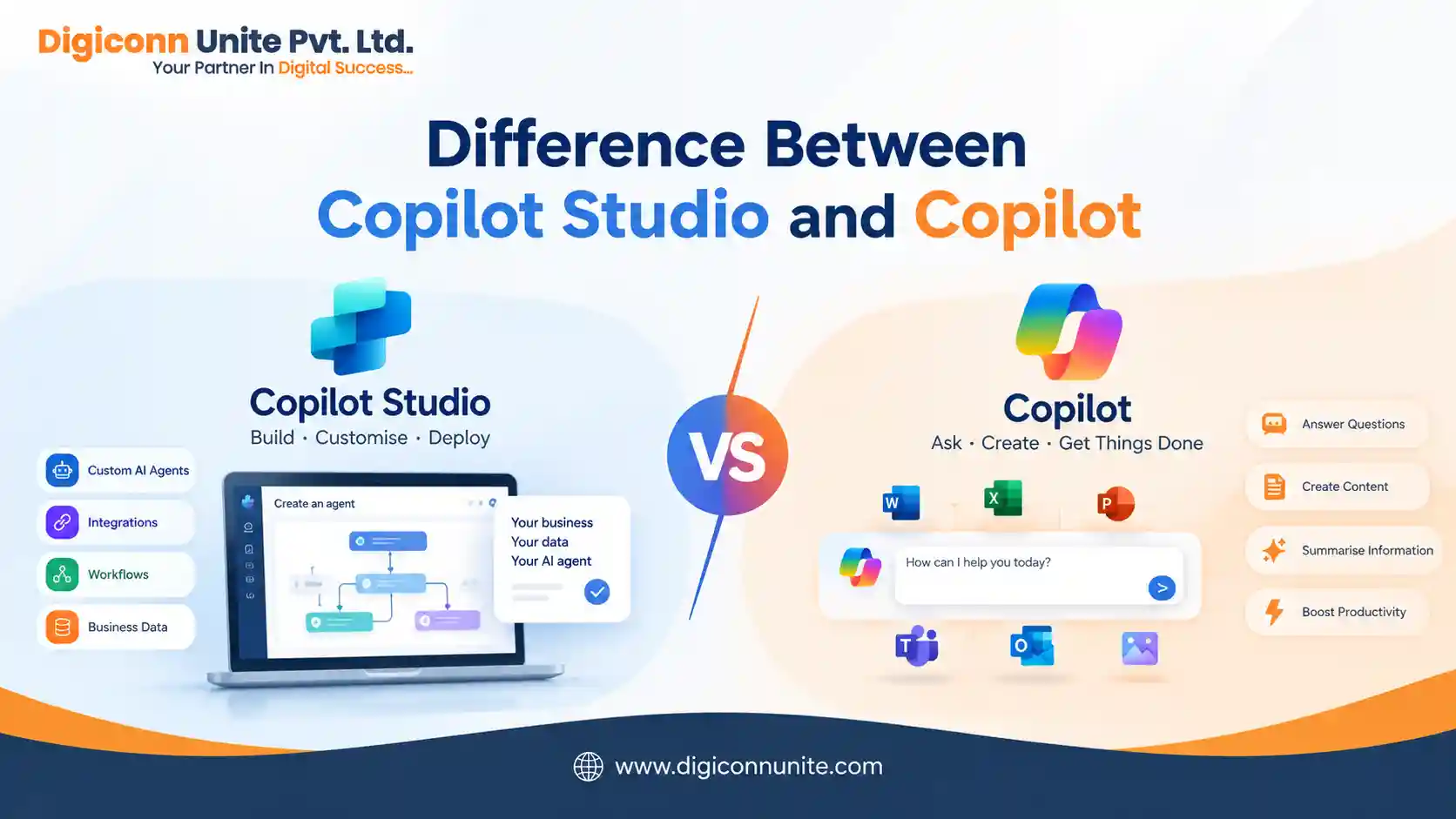
Short answer: Microsoft Copilot is an AI assistant designed to help users with everyday tasks, questions, content creation, and productivity. Microsoft Copilot Studio is a platform for building, customising, deploying, and managing AI agents and workflows for specific business needs.
In simple terms, Copilot is mainly something you use, while Copilot Studio is something you use to build and manage customised AI agents. The two can also work together: agents created in Copilot Studio can be published to Microsoft 365 Copilot and other supported channels.
What Is Microsoft Copilot?
Microsoft Copilot is Microsoft's AI assistant that helps users perform tasks using natural language. It can help with activities such as asking questions, generating content, summarising information, and working with Microsoft products.
Microsoft describes Copilot as an everyday AI companion that provides access to AI capabilities based on users' needs and preferences.
For example, a user might ask Copilot to:
- Summarise information
- Draft an email
- Create or improve text
- Answer questions
- Generate ideas
- Analyse information
- Assist with everyday productivity tasks
The exact capabilities depend on which Copilot product and licence a user has.
What Is Microsoft Copilot Studio?
Microsoft Copilot Studio is a low-code platform for creating and managing AI-powered agents and workflows.
It allows organisations to connect agents with business data and systems, add knowledge and tools, define workflows, and publish agents to the channels where customers or employees work.
For example, a company could use Copilot Studio to create an agent that:
- Answers customer questions
- Uses company knowledge
- Retrieves information from connected systems
- Starts business workflows
- Calls APIs or other tools
- Handles multi-step processes
- Works on a website or other supported channel
Microsoft currently describes Copilot Studio as an end-to-end platform for creating, customising and deploying AI agents.
You May Like Also: 3 Free Available AI SEO Tools for Small Business
What Is the Difference Between Copilot Studio and Copilot?
The easiest way to understand the difference is to look at their purpose.
| Feature | Microsoft Copilot | Microsoft Copilot Studio |
|---|---|---|
| Main purpose | AI assistant for users | Platform for building AI agents |
| Primary users | Individuals and teams | Makers, developers and organisations |
| Customisation | Depends on the Copilot product | Extensive agent and workflow customisation |
| Business data | Can work with supported Microsoft context | Can connect agents to business knowledge and systems |
| Workflows | General assistance | Custom workflows and automated processes |
| External deployment | Depends on product | Supports broader deployment scenarios |
| Agent creation | Some Copilot experiences include agent creation | Core purpose of the platform |
| Governance | Depends on Microsoft product/licence | More controls for managing business agents |
Microsoft's current guidance also distinguishes Microsoft 365 Copilot's Agent Builder from Copilot Studio. Microsoft recommends the simpler Microsoft 365 Copilot experience for lightweight agents for individuals or small teams, while Copilot Studio is intended for broader audiences, complex workflows, custom integrations, and more advanced management requirements.
Is Copilot Studio the Same as Copilot?
No.
They are related but serve different purposes.
Copilot is an AI experience that people interact with. Copilot Studio is a development and management environment that organisations can use to create customised agents.
However, they are not completely separate products in terms of how they can work together. An agent built with Copilot Studio can be published into Microsoft 365 Copilot, allowing employees to access that customised capability through their familiar Copilot experience.
When Should You Use Microsoft Copilot?
Microsoft Copilot is generally suitable when you want an AI assistant for everyday productivity and information-related tasks.
For example, you may want to:
- Ask AI questions
- Draft content
- Summarise information
- Get assistance with work
- Work with Microsoft 365 content
- Improve productivity
If you do not need to build a customised business agent, a standard Copilot experience may be sufficient.
When Should You Use Copilot Studio?
Copilot Studio becomes more relevant when your organisation needs to create an AI agent around a specific business process.
For example, a company could create a customer-support agent that answers questions from approved company information and uses connected tools to perform specific actions.
Copilot Studio can support agents that use knowledge, generative AI, tools, workflows and business-system integrations. Microsoft documentation explains that tools can allow agents to call APIs, run automated flows, interact with external services, and retrieve real-time information.
Can Copilot Studio Create Custom AI Agents?
Yes.
Creating and managing AI agents is one of Copilot Studio's main purposes. Microsoft says that Copilot Studio can create agents using natural language or its graphical interface and publish them for different use cases.
Agents can be designed to answer questions, guide users through processes, retrieve information, and perform actions.
Copilot Studio also supports connected agents, allowing specialised agents to work together for different tasks or domains.
Can Copilot Studio Connect to Business Systems?
Yes.
One important difference is the level of business integration available when building an agent.
Copilot Studio agents can use tools and integrations to interact with external services and business systems. Microsoft documentation lists capabilities such as APIs, automated flows, connectors and other tools for extending what agents can do.
For example, an organisation could build an agent that combines:
User question → Business knowledge → Tool/API → Workflow → Result
This is more specialised than simply asking a general AI assistant a question.
Can Copilot Studio Agents Be Used on Websites?
Yes, depending on the agent configuration and licensing.
Microsoft states that the standalone Copilot Studio offering can be used to create agents for external channels such as websites, apps and social platforms.
This makes Copilot Studio relevant for organisations that want to provide AI-powered customer experiences outside the Microsoft 365 environment.
What About Microsoft 365 Copilot Agent Builder?
This is where the terminology can become confusing.
Microsoft 365 Copilot includes an Agent Builder experience for creating lightweight agents. Microsoft describes this option as suitable for individuals or small teams that want to create an agent using natural language and existing organisational content.
Copilot Studio is designed for more advanced scenarios, including broader deployment, complex workflows, custom integrations and stronger management requirements.
So the practical distinction is:
Simple personal or team agent → Microsoft 365 Copilot Agent Builder
More advanced business agent → Copilot Studio
Does Copilot Studio Require Coding?
Copilot Studio is designed as a low-code platform, so you do not necessarily need to build everything with traditional programming.
Microsoft describes it as a graphical, low-code environment where makers can create agents and workflows and connect them to business data and systems.
However, more technical scenarios may still involve APIs, connectors, integrations, data configuration, governance, or other development work.
Which One Is Better for a Business?
There is no universal answer because the right option depends on the use case.
Choose Copilot when you mainly need an AI assistant for everyday productivity.
Consider Copilot Studio when you need to build a customised agent that uses business knowledge, performs actions, connects to systems, or serves a wider audience.
The important question is not simply "Which one is better?" It is:
"What does the organisation need the AI system to do?"
If the requirement is straightforward question answering or productivity assistance, a standard Copilot experience may be enough. If the requirement involves business processes, integrations, custom agents, or external users, Copilot Studio provides a broader development environment.
Copilot vs Copilot Studio: Final Answer
The difference can be explained in one sentence:
Microsoft Copilot is primarily an AI assistant, while Microsoft Copilot Studio is a platform for building and managing customised AI agents and workflows.
Copilot helps users interact with AI. Copilot Studio helps organisations create AI-powered experiences around their own knowledge, processes and systems.
They can also work together, because Copilot Studio agents can be published into Microsoft 365 Copilot and other supported channels.
As Microsoft's AI agent ecosystem continues to develop, features, licensing and available capabilities can change, so organisations should check Microsoft's current documentation before selecting a product or licensing model.
Frequently Asked Questions
Is Copilot Studio the same as Microsoft Copilot?
No. Microsoft Copilot is an AI assistant, while Copilot Studio is a platform for creating and managing customised AI agents and workflows.
Can Copilot Studio agents work with Microsoft Copilot?
Yes. Agents built with Copilot Studio can be published to Microsoft 365 Copilot and other supported channels.
Can I build an AI chatbot with Copilot Studio?
Yes. Copilot Studio can be used to create AI agents that answer questions, use organisational knowledge, perform actions and support business workflows.
Is Copilot Studio low-code?
Yes. Microsoft describes Copilot Studio as a low-code graphical platform for building AI agents and workflows.
Which is suitable for complex business workflows?
Copilot Studio is designed for more advanced scenarios involving custom agents, multi-step workflows, integrations and broader deployment.
Our Social Links:
Related Topics
Explore more about ai:
