


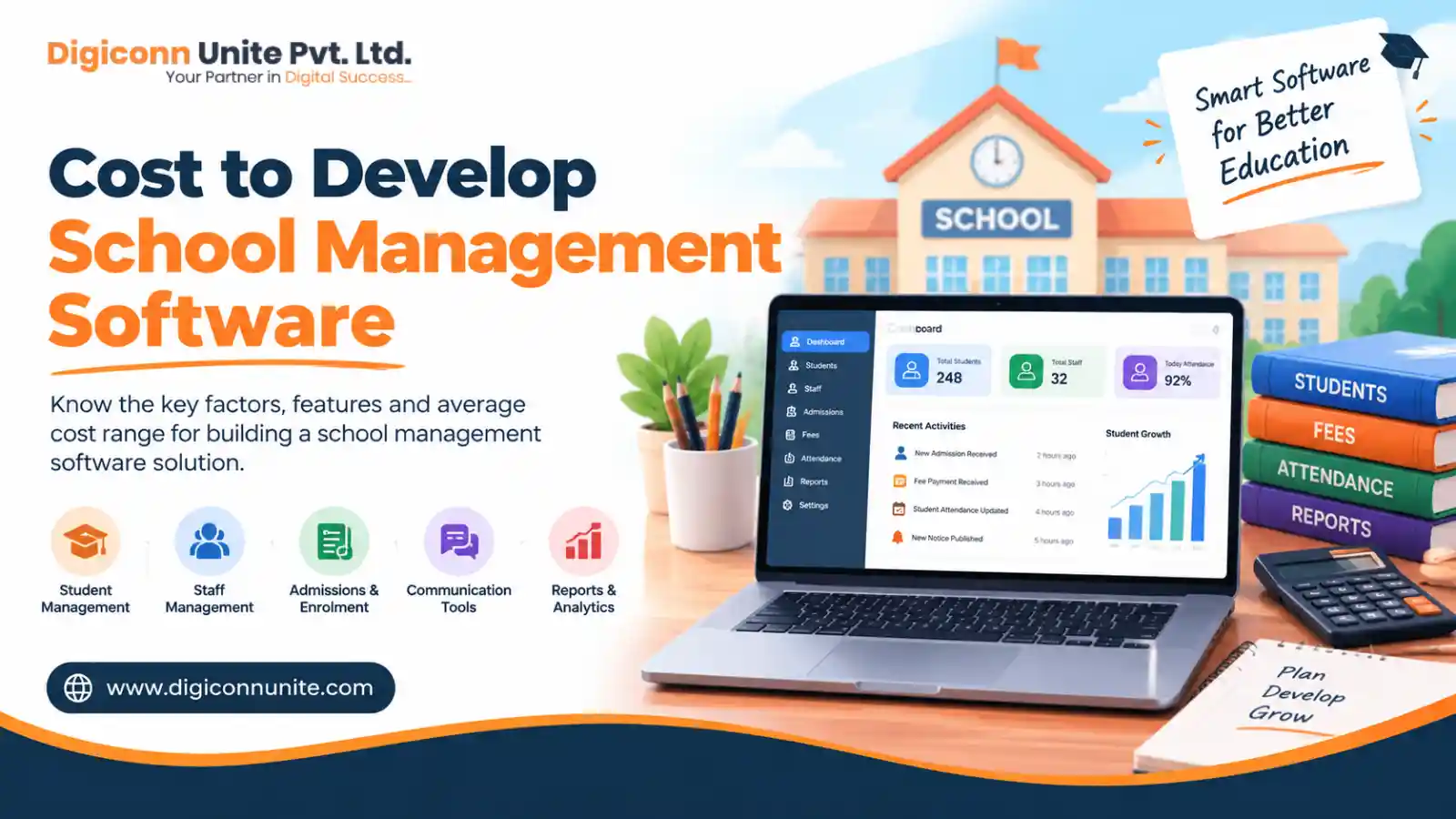
Developing school management software can help educational institutions manage student records, admissions, attendance, fee collection, examinations, and communication from one central platform. However, the cost depends on the number of features, the school's size, the technology used, and the level of customisation required.
In India, a custom school management software project may cost approximately ₹3 lakh to ₹8 lakh for a basic system, ₹8 lakh to ₹20 lakh for a mid-level solution, and ₹20 lakh to ₹50 lakh or more for an advanced school ERP platform. These are indicative planning estimates, not fixed market prices or a development quotation. The actual cost depends on the agreed scope, development team, integrations, and quality requirements.
If you are planning to develop a school management system, this guide explains the estimated budget, essential features, development process, recurring expenses, and practical ways to control costs.
Add us as a preferred source on google
Quick Answer: What Is the Cost to Develop School Management Software?
The cost to develop school management software depends on whether you need a simple administrative tool, a complete school ERP, or a multi-campus platform with mobile applications and advanced integrations.
| Software type | Estimated development cost | Indicative timeline |
|---|---|---|
| Basic school management system | ₹3 lakh–₹8 lakh | 2–4 months |
| Mid-level school ERP | ₹8 lakh–₹20 lakh | 4–7 months |
| Advanced school management platform | ₹20 lakh–₹50 lakh+ | 6–12+ months |
| Enterprise or multi-campus ERP | ₹35 lakh–₹75 lakh+ | 9–15+ months |
A ready-made school management subscription is a different pricing model. It may have lower upfront costs, while a custom-built platform requires a larger initial investment but can offer greater control over workflows, features, and product ownership.
Key Takeaways
-
Development cost: A custom school management system may start around ₹3 lakh for a relatively limited scope and exceed ₹50 lakh for a complex platform.
-
Features matter: Student information, attendance, fees, examinations, parent communication, and reporting form the core of most systems.
-
Mobile apps increase the budget: Separate parent, teacher, and student applications require additional design, development, and testing.
-
Recurring expenses matter: Hosting, maintenance, SMS notifications, payment gateway charges, and technical support can continue after launch.
-
Start with an MVP: Launch the essential features first and introduce advanced modules as user requirements become clearer.
-
Build or buy: A subscription solution may suit a single school with standard needs, while custom development may suit organisations that require specific workflows or a product for multiple schools.
What Is School Management Software?
School management software is a digital platform that helps schools organise academic, administrative, and operational activities. It replaces many manual records and disconnected spreadsheets with a central system that authorised users can access.
Depending on its scope, the platform may include a student information system (SIS), fee management, attendance tracking, examination management, timetable scheduling, staff administration, and parent-teacher communication.
A more comprehensive school ERP, or enterprise resource planning system, can also connect departments such as transport, library, inventory, human resources, payroll, and finance.
The purpose is not simply to digitise paperwork. A well-designed system helps staff access accurate information, reduces repetitive tasks, improves communication, and supports better administrative decisions.
You May Look Also: Enterprise Android App Development
What Is the Cost of School Management Software by Project Scope?
The project scope is one of the most important factors affecting the overall budget. The following examples show how different requirements can change the estimated development cost.
1. Basic School Management Software
Estimated cost: ₹3 lakh–₹8 lakh
A basic system is suitable for a smaller school or educational institution that wants to digitise its most important administrative activities.
Typical features include:
-
Student profiles and admission records
-
Class and section management
-
Daily attendance
-
Basic fee records and receipts
-
Teacher and staff accounts
-
Notices and announcements
-
Administrative dashboard
-
Basic reports and data export
A basic solution can be a practical starting point when the school does not need extensive automation or separate mobile applications.
2. Mid-Level School ERP Software
Estimated cost: ₹8 lakh–₹20 lakh
A mid-level platform supports more departments and provides greater automation for daily academic and administrative operations.
It may include:
-
All essential student and attendance modules
-
Fee collection and online payment integration
-
Examination schedules and report cards
-
Timetable and homework management
-
Parent and teacher portals
-
SMS, email, or messaging integrations
-
Library and transport records
-
Advanced reporting and role-based access
-
Improved backup and security controls
This option may suit schools that want to connect several departments without developing a highly complex enterprise platform.
3. Advanced School Management Software
Estimated cost: ₹20 lakh–₹50 lakh or more
An advanced platform may support complex workflows, larger student populations, multiple user roles, and extensive integrations.
Potential features include:
-
Dedicated parent, teacher, and student mobile apps
-
Multi-campus administration
-
Advanced analytics and customised reports
-
Transport tracking and GPS integration
-
HR, payroll, inventory, and finance modules
-
Learning management system (LMS) integration
-
Automated notifications and workflows
-
Advanced access controls and audit logs
-
Scalable cloud infrastructure
The budget may increase further if the platform includes AI-assisted reporting, predictive analytics, biometric devices, complex data migration, or a SaaS model serving multiple independent schools.
You May Like Also: Create Uber Like Safety App Android
Which Features Affect School Management Software Development Cost?
Not every school needs every module. Understanding the available features helps you prioritise the functions that provide the greatest value.
Student Information System
The student information system stores student profiles, guardian details, admission history, class assignments, academic records, and other essential information.
It also supports record searching, updates, and reporting. The complexity depends on the number of data fields, workflows, imports, and reporting requirements.
Admission Management
An admission management module can handle online applications, enquiry records, document uploads, application status, and admission confirmations.
Advanced versions may include enquiry tracking, automated follow-ups, admission forms, and integration with a customer relationship management (CRM) system.
Attendance Management
Attendance software allows authorised teachers to record daily attendance and generate summaries by class, student, or date.
More advanced versions may integrate biometric devices, RFID cards, mobile attendance, or automated absence notifications to parents.
Fee Management and Online Payments
Fee management is often a central requirement for schools. It can handle fee structures, instalments, receipts, outstanding balances, discounts, and payment reminders.
Online payment integration may support UPI, cards, net banking, and other payment methods offered by the selected provider. Gateway charges, transaction handling, reconciliation, and failed-payment workflows should be included in the project plan.
Examination and Report Card Management
This module manages examination schedules, marks entry, grading rules, report cards, and academic performance reports.
Custom grading systems, board-specific formats, result calculations, and complex assessment workflows can increase development and testing effort.
Timetable and Homework Management
Timetable management helps allocate teachers, subjects, classrooms, and periods while reducing scheduling conflicts.
Homework and assignment features allow teachers to share instructions, deadlines, study materials, and submission requirements with students and parents.
Parent, Teacher, and Student Portals
Different users need different information and permissions. A parent may need attendance and fee updates, while a teacher may need class lists, homework tools, and marks entry.
Separate mobile apps can improve convenience, but they require additional screens, user journeys, device testing, and ongoing updates. A responsive web portal may be a more affordable first step.
Transport and GPS Tracking
Transport management can maintain bus routes, vehicle records, driver information, student allocations, and transport fees.
Live GPS tracking, route alerts, and parent-facing bus locations require additional integrations and may involve separate hardware or third-party service charges.
Library, Inventory, HR, and Payroll
Additional modules can manage book lending, stock, school assets, staff attendance, leave, payroll inputs, and other internal operations.
The cost depends on how closely these modules need to connect with the core school ERP and whether they require specialised reporting or approval workflows.
What Factors Determine the Cost to Develop School Management Software?
The number of modules is important, but other technical and operational decisions also influence the final quotation.
1. School Size and Number of Users
A school with a few hundred students may need straightforward workflows, while a large institution may require more complex reporting, permissions, and infrastructure.
The number of users alone does not determine the price. User roles, concurrent usage, data volume, and the number of campuses also matter.
2. Customisation Requirements
A standard workflow is usually easier to implement than one involving unique fee rules, approval processes, grading structures, or reporting formats.
Before development starts, document the school's existing processes and identify which ones must be preserved and which can be simplified.
3. Web Platform Versus Mobile Applications
A responsive web application allows users to access the system through a browser. Dedicated Android and iOS applications may provide push notifications, mobile-specific features, and a more tailored experience.
Building for several platforms increases development, quality assurance, release management, and maintenance work.
4. Third-Party Integrations
Integrations may connect the software with payment gateways, SMS services, email providers, WhatsApp solutions, biometric devices, GPS tracking systems, or learning platforms.
Each integration requires configuration, testing, error handling, and sometimes a paid third-party account. Availability of suitable APIs can also affect the scope.
5. Technology Stack and Architecture
The technology stack may include a frontend framework, backend framework, database, APIs, cloud infrastructure, and mobile development tools.
For example, a team might use React for the web interface, Node.js for backend services, PostgreSQL for data storage, and Flutter for cross-platform mobile applications. These are possible choices rather than mandatory technologies.
The best stack depends on the team's expertise, security requirements, expected scale, integration needs, and long-term maintenance plan.
6. Security and Privacy
School systems handle sensitive information about students, parents, and staff. Security should be planned from the beginning rather than added as a final step.
Important measures include:
-
Role-based access control
-
Secure authentication and password management
-
Encryption where appropriate
-
Regular backups and recovery testing
-
Audit logs for important actions
-
Secure APIs and file uploads
-
Data retention and deletion procedures
-
Appropriate consent and privacy practices
If the system serves children or operates across countries, applicable privacy and data-protection requirements should be assessed for the intended users and jurisdictions.
7. Development Team and Testing
The project may involve business analysts, UI/UX designers, frontend and backend developers, mobile developers, QA engineers, and project managers.
Costs depend on team size, experience, location, project duration, and delivery arrangements. Testing should cover permissions, payment workflows, calculations, performance, data migration, and real-world user scenarios.
Example: How to Calculate a School ERP Development Budget
Consider a hypothetical school that needs a custom web-based platform with student records, admissions, attendance, fee management, examinations, parent access, and reporting.
An illustrative planning budget could look like this:
| Project component | Example allocation |
|---|---|
| Requirement analysis and planning | ₹60,000 |
| UI/UX design | ₹70,000 |
| Frontend and backend development | ₹3,00,000 |
| Core modules and integrations | ₹1,50,000 |
| Testing and security checks | ₹70,000 |
| Deployment, migration, and training | ₹50,000 |
| Illustrative total | ₹7,00,000 |
These amounts are an example of how a budget could be structured, not a vendor quotation or a universal industry price. Actual allocations may change depending on which modules are included, how much customisation is needed, and the development team's rates.
If the school later adds native mobile apps, live GPS tracking, multi-campus administration, or advanced analytics, those requirements should be estimated separately.
What Hidden Costs Should You Consider?
The initial development quotation does not necessarily represent the full cost of owning the software.
Before approving a project, ask whether the following expenses are included:
-
Cloud hosting: Servers, database services, file storage, and backups.
-
Domain and SSL: Domain renewal and applicable certificate or security service costs.
-
Maintenance: Bug fixes, compatibility updates, dependency upgrades, and technical support.
-
SMS and messaging: Charges for notifications, messaging services, and usage-based communication.
-
Payment processing: Transaction fees or other charges from the payment provider.
-
Data migration: Cleaning, mapping, importing, and validating existing student and financial records.
-
Training: Helping administrators, teachers, and other users adopt the new system.
-
App maintenance: Ongoing updates for Android and iOS applications, if included.
-
Future enhancements: New reports, modules, integrations, and changes to school policies.
-
Security and recovery: Monitoring, backups, access reviews, and periodic security assessments.
A useful budgeting method is to calculate the initial development cost plus the expected operating and support expenses over three years. This gives the school a clearer view of the total cost of ownership.
Custom School ERP vs Ready-Made School Management Software
A custom platform is not always the most economical choice. Schools should compare development with subscription-based software before committing to a large budget.
| Factor | Custom-developed software | Ready-made subscription |
|---|---|---|
| Initial investment | Usually higher | Usually lower |
| Custom workflows | More flexibility | Limited to available options |
| Deployment | Depends on scope | Often quicker |
| Ownership | Depends on contract and IP terms | Usually governed by the vendor's licence |
| Maintenance | Organised by the owner or contracted team | Usually handled under the subscription terms |
| Scaling | Designed around requirements | Depends on the vendor's plans and capabilities |
| Best suited for | Unique processes or broader product plans | Schools with standard requirements |
Choose ready-made software when the available modules fit your school's needs and you want to start using a system quickly.
Consider custom development when your organisation needs specialised workflows, deeper integrations, control over the user experience, or a platform intended to serve multiple schools.
Before choosing either option, review data export, ownership rights, security, support, renewal terms, and the cost of adding future users or modules.
How Long Does It Take to Develop School Management Software?
The timeline depends on the agreed requirements, available team, and integration complexity.
A limited first version may take around two to four months. A more complete school ERP may require four to seven months, while an advanced multi-campus system can take six to twelve months or longer.
A typical development process includes:
-
Discovery and requirements: Define users, workflows, essential modules, and project priorities.
-
UI/UX design: Prepare dashboards, forms, navigation, and user journeys.
-
Development: Build the frontend, backend, database, APIs, and agreed modules.
-
Integration: Connect payment providers, notifications, and other required services.
-
Quality assurance: Test calculations, permissions, security, compatibility, and performance.
-
Migration and training: Import verified records and prepare staff to use the platform.
-
Launch and monitoring: Release the software, resolve early issues, and plan future improvements.
These stages may overlap. A clear scope and timely feedback from school representatives help reduce avoidable delays.
How Can You Reduce School Management Software Development Cost?
Reducing the budget should not mean removing essential security or testing. The goal is to focus spending on the features that matter most.
Start With a Minimum Viable Product (MVP)
An MVP is a first usable version containing the essential features needed to solve the main problem.
For many schools, this could include student records, admissions, attendance, fee management, basic reporting, and user permissions. Advanced modules can be introduced after staff and parents have tested the initial system.
Prioritise Features by Business Value
Classify features into three groups:
-
Essential: Required for daily school operations.
-
Useful: Valuable but not necessary for the initial release.
-
Future scope: Advanced features that can wait until the core system is stable.
This approach helps prevent unnecessary development and keeps the first release manageable.
Use a Responsive Web Application First
If a browser-based platform meets users' needs, it may be sensible to launch it before investing in separate mobile apps. Mobile applications can be planned once the school understands which mobile features users need most.
Prepare Accurate Requirements
Provide clear fee rules, grading methods, reports, user roles, and integration requirements before development begins. Late changes can affect the timeline, testing, and cost.
Plan for Maintenance From the Beginning
Choose technologies that your development team can maintain, document important workflows, and agree on support arrangements before launch. Good planning can reduce avoidable rework and make future enhancements easier.
How Digiconn Unite Can Help With Software Development Planning
Digiconn Unite works across digital services and technology-related solutions. For an education software project, the first step is to define the institution's requirements, identify the essential modules, and determine the appropriate web and mobile scope.
A structured planning process should establish:
-
The users and roles the platform must support
-
The required academic and administrative modules
-
Any payment, messaging, or external system integrations
-
Security, privacy, backup, and data migration requirements
-
The expected timeline, budget, and post-launch support
The aim is to create a practical scope that matches the school's operational needs instead of adding expensive features without a clear purpose.
If you are evaluating a school management software project, Digiconn Unite can discuss the requirements and help you identify the key decisions that need to be made before development begins.
Conclusion
The cost to develop school management software depends on the size of the institution, required modules, customisation, integrations, security, and long-term support. A limited system may require a budget of a few lakh rupees, while a comprehensive school ERP can require a much larger investment.
Before choosing a development partner, define the essential features, compare custom development with ready-made options, and calculate the expected operating expenses alongside the initial cost. This will help you choose a solution that meets current needs without creating unnecessary costs in the future.
Planning a school management software project? Digiconn Unite can help you discuss the scope, prioritise requirements, and identify the next steps for your software development project.
Frequently Asked Questions
1. How much does it cost to develop school management software in India?
A custom school management system may cost approximately ₹3 lakh–₹8 lakh for a basic version, ₹8 lakh–₹20 lakh for a mid-level system, and ₹20 lakh–₹50 lakh or more for an advanced platform. These are illustrative estimates; the actual price depends on the features, integrations, team, and project scope.
2. What are the essential features of school management software?
Common essential features include student information, admissions, attendance, fee management, timetable scheduling, examination records, notices, user permissions, and basic reports. Parent portals, mobile apps, transport management, and online payments can be added according to requirements.
3. How long does it take to develop a school management system?
A basic system may take two to four months, while a mid-level ERP may require four to seven months. Larger platforms with mobile apps, multiple campuses, and complex integrations can take six to twelve months or longer.
4. Is custom school management software better than ready-made software?
Custom development offers greater flexibility for unique workflows and specialised requirements. Ready-made software can be more affordable and quicker to implement when its features already meet the school's needs.
5. What are the ongoing costs of school management software?
Ongoing costs can include hosting, backups, technical support, maintenance, security updates, SMS notifications, payment gateway charges, and mobile app updates. Some expenses depend on usage, so they should be estimated separately from the initial development budget.
6. Can school management software include parent and teacher mobile apps?
Yes. Parent apps can provide attendance updates, fee information, notices, and results, while teacher apps can support attendance, homework, and classroom communication. Separate apps increase development and maintenance costs, so the required features should be prioritised before development.
7. What is the difference between school management software and school ERP?
School management software typically focuses on student records, attendance, fees, examinations, and communication. A school ERP may connect these functions with additional departments such as HR, payroll, transport, inventory, and finance.
8. How can a school reduce software development expenses?
A school can control costs by starting with an MVP, prioritising essential modules, using a responsive web application where appropriate, documenting requirements, and planning future features in phases. Security, data protection, and quality assurance should remain part of the core budget.
You May Like Also: How Much Does White Label SEO Cost?
Our Social Links:
Related Topics
Explore more about software development:
