


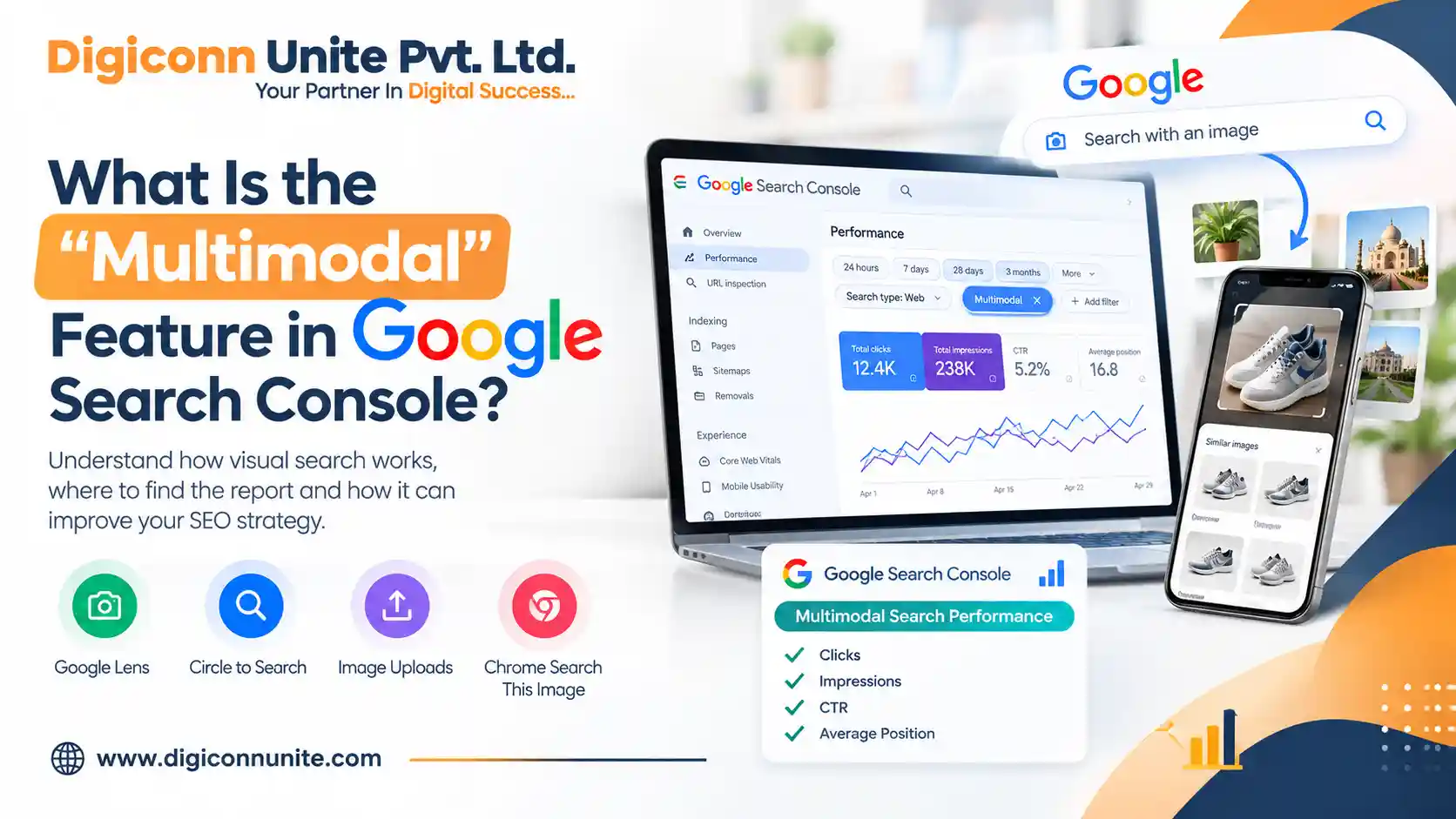
Google Search is no longer limited to people typing words into a search box. Users can now search by taking a photo, uploading an image or using visual search tools such as Google Lens and Circle to Search. To help website owners understand this behaviour, Google introduced a new multimodal search reporting filter in Google Search Console on 24 September 2026.
The feature helps website owners, SEO professionals and digital marketers understand how people discover their website through image-based searches. It provides another way to analyse search performance and identify opportunities to improve visual content.
What Is the Multimodal Feature in Google Search Console?
The multimodal feature in Google Search Console is a search performance filter that reports web search activity where users use an image as part of their search instead of relying only on typed text. Google announced this reporting update through its official Google Search Central Blog.
For example, someone might take a picture of a product, use Google Lens to identify it and visit a website shown in the results. If that website receives eligible traffic from this type of search, the activity can appear in the multimodal report.
The new filter helps separate image-led web searches from traditional text-based searches. It does not automatically improve rankings or provide a new way to submit pages for indexing.
You May Like Also: Google AI Search Is Changing SEO in 2026
Which Google Search Features Are Included?
Google's multimodal reporting covers several visual search experiences:
- Google Lens: Users search using a photograph or their smartphone camera.
- Circle to Search: Android users select an object or area on their screen to search for related information.
- Image uploads to Google Search: Users upload an image to discover related results.
- Chrome’s “Search this image” feature: Users search for an image through Chrome’s right-click menu.
These features allow people to discover information visually. For businesses, publishers and online stores, they create additional opportunities to reach people who may not know the exact words to use in a search.
Where Can You Find the Multimodal Filter?
You can explore this information inside your existing Google Search Console property. Follow these steps:
- Sign in to Google Search Console and select your verified website property.
- Open the Performance section and select Search results.
- Open the search type filter.
- Select the available multimodal option under web search reporting.
- Review the clicks, impressions and other available performance metrics.
- Use the export option if you want to analyse the data in a spreadsheet.
Google has also introduced multimodal reporting in its report for generative AI features. The data appears when your website receives traffic from eligible searches. If you do not see performance data, it does not necessarily mean that your website has a technical problem.
How Does Multimodal Search Work?
Imagine someone visits a furniture showroom and sees a chair they like. Instead of typing a long description into Google, they take a picture and use Google Lens to find similar products.
Google can interpret the visual information and return relevant results. These results may lead users to product pages, informative articles or other useful content.
Now imagine that your website sells furniture. Clear product images, descriptive page content and an accessible website can help Google understand what you offer. If your content appears in relevant visual searches, the Multimodal report can help you measure that performance.
The same principle applies to travel websites, educational institutions, restaurants, e-commerce stores and service businesses. Visual search creates another discovery path, although appearing in these results is never guaranteed.
Why Is the Multimodal Feature Important for SEO?
The new reporting option helps SEO professionals understand how people discover website content beyond traditional text searches.
1. Understand image-driven traffic
You can investigate whether your website receives visits from visual searches and identify pages that attract this audience.
2. Improve image SEO
Relevant images, descriptive file names, useful alternative text and nearby explanatory content can help search engines understand your visuals.
3. Identify useful content opportunities
Product photographs, original diagrams, infographics, location images and instructional visuals may help users find relevant information through visual search.
4. Make better SEO decisions
Comparing multimodal and text-based performance can help you decide which pages deserve improved images, clearer descriptions or more useful supporting content.
However, the report is a measurement tool, not a ranking factor. Seeing multimodal traffic does not guarantee higher positions in Google Search.
How Can You Optimise Your Website for Multimodal Search?
You do not need a completely different SEO strategy to prepare for visual search. Start with established image SEO and helpful-content practices.
- Use clear, descriptive image file names instead of generic names.
- Add meaningful alt text that accurately describes the image.
- Place images close to relevant headings and explanatory text.
- Use high-quality, original visuals when they add genuine value.
- Make sure important images can be crawled and accessed by Google.
- Build useful product, service and informational pages around the needs of your audience.
- Ensure your website loads properly on mobile devices.
- Review Google Search Console regularly to understand which pages attract visual-search traffic.
Avoid adding keywords unnaturally to image descriptions. Alt text should help users who cannot see the image, including people using screen readers, rather than serve as a place to repeat SEO phrases.
Is Multimodal Search the Same as Google Images?
No. Although both involve images, the reporting categories are different.
Google Images reporting focuses on traffic from image search results. The new multimodal web search type focuses on web searches where an image is used as part of the search, such as a Google Lens query or an uploaded image.
This distinction helps website owners understand how visitors arrive at their pages through different Google Search experiences.
How Digiconn Unite Can Help With Multimodal SEO
At Digiconn Unite, we help businesses strengthen their online presence through practical digital marketing strategies. Our services include SEO, content marketing, website development, social media marketing and other digital growth solutions.
As search experiences evolve, businesses need websites that provide useful information, accessible images, clear page structures and a positive mobile experience. Our approach focuses on foundational SEO practices and content that helps users make informed decisions.
By reviewing Search Console performance and improving relevant website content, businesses can better understand how people discover their pages through traditional search and emerging visual search experiences.
Conclusion
The multimodal feature in Google Search Console gives website owners a clearer view of how users discover content through image-based searches. By reviewing this data and following established image SEO practices, businesses can better understand their audience and improve the usefulness of their website.
The key is to treat multimodal reporting as another source of insight—not a shortcut to rankings. Focus on helping people find accurate, relevant and useful content, regardless of whether they search with text or images.
Frequently Asked Questions
What does multimodal mean in Google Search Console?
It is a search performance filter for web searches that use images, including Google Lens, Circle to Search, image uploads and Chrome’s “Search this image” feature.
When did Google introduce multimodal reporting?
Google announced the feature on 24 September 2026, with a global rollout beginning on that date.
Does multimodal search improve website rankings?
No. The filter reports performance; it does not directly improve rankings. Useful content, accessible images and established SEO practices remain important.
Why is there no multimodal data in my Search Console account?
Google says metrics appear when a website receives traffic from eligible multimodal searches. An empty report may simply mean there is no reportable traffic for the selected period.
Should I change my entire SEO strategy for multimodal search?
No. Continue focusing on helpful content, technical SEO, mobile usability and image optimisation. Use the new report to identify additional opportunities rather than replacing your existing SEO strategy.
You May Like Also: Google Search Profile Badge Feature
Our Social Links:
Related Topics
Explore more about seo:
